Figma to Webflow development for agencies and marketing teams.
Send me your Figma file and get back a fast, SEO-ready Webflow site that matches the design on every screen and is easy for your team to edit.
What you get
What you get with every Figma to Webflow project.
Figma to Webflow development turns a finished design into a live website. I rebuild every page, component and interaction from your Figma file in Webflow, then hand it over clean, documented and ready for your team to run without a developer.
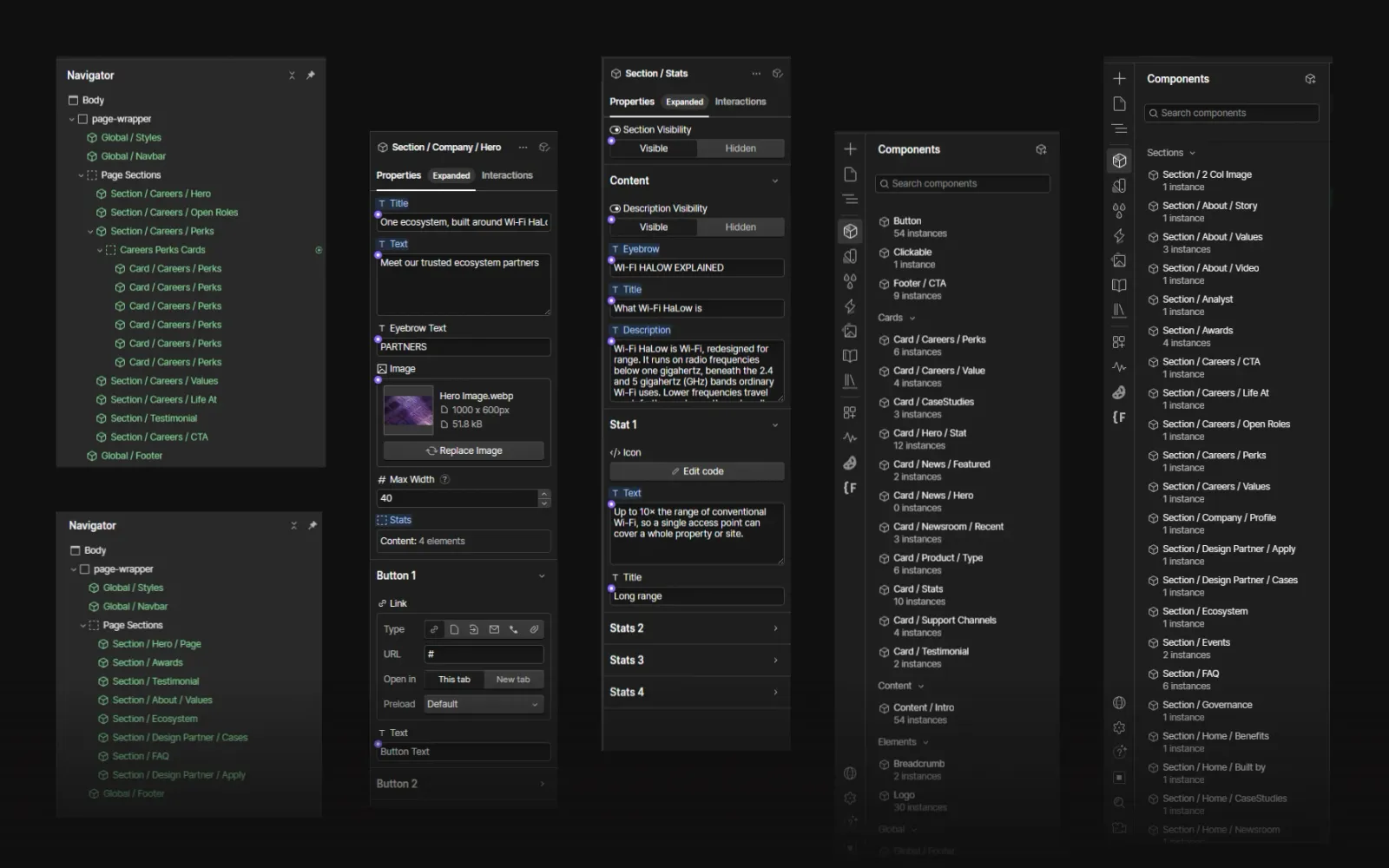
Client-First structure
Every build follows Finsweet’s Client-First naming, so the project stays organized and any Webflow developer can pick it up later. Already on Lumos? I build in Lumos instead.
Pixel-perfect accuracy
Spacing, type, color and interactions rebuilt 1:1 from your Figma file, and checked side by side with the design before anything ships.
Fully responsive build
Every page tuned for desktop, tablet and mobile down to 320px wide, rather than a desktop layout squeezed onto a phone.
SEO and AEO built in
Semantic headings, meta titles and descriptions, alt text and schema markup from day one, so pages can rank in Google and get cited by AI search.
Speed optimized
Compressed images, lean code and Core Web Vitals checked before launch, because fast sites rank higher and convert better.
Easy to maintain
Reusable components, global styles and a CMS your editors can run, plus a style guide page and a walkthrough at handoff.
Who it’s for
Built for teams who design in Figma and launch in Webflow.
Design agencies
White-label builds under your studio’s name. I work inside your process and naming conventions, and your client only ever deals with your team.
Marketing teams
Landing pages and marketing sites with a CMS your team can update, so new pages and posts don’t wait on a developer.
SaaS teams and founders
Product sites that explain the offer quickly, load fast and grow page by page as the product does.
Selected work
Recent Figma to Webflow builds
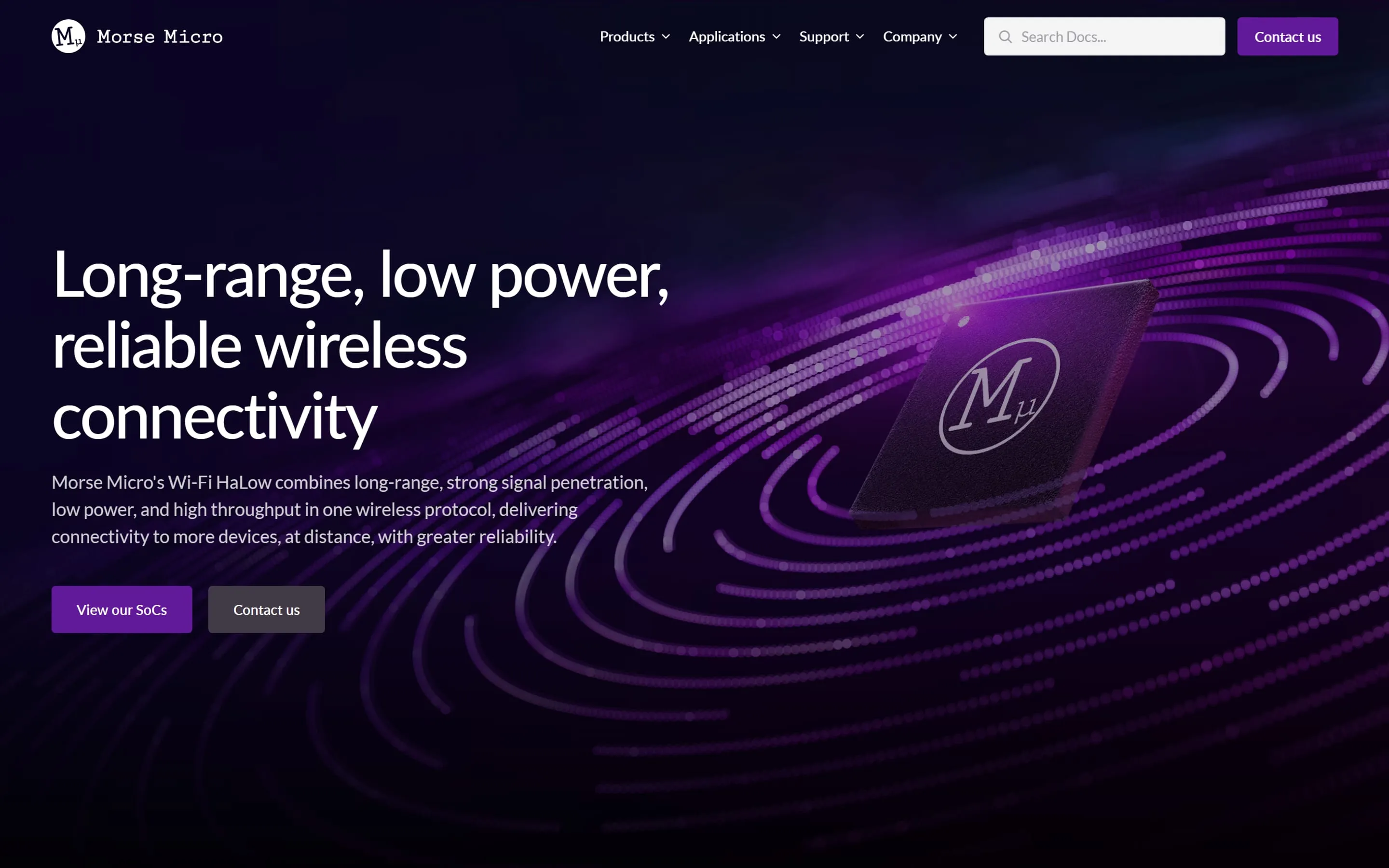
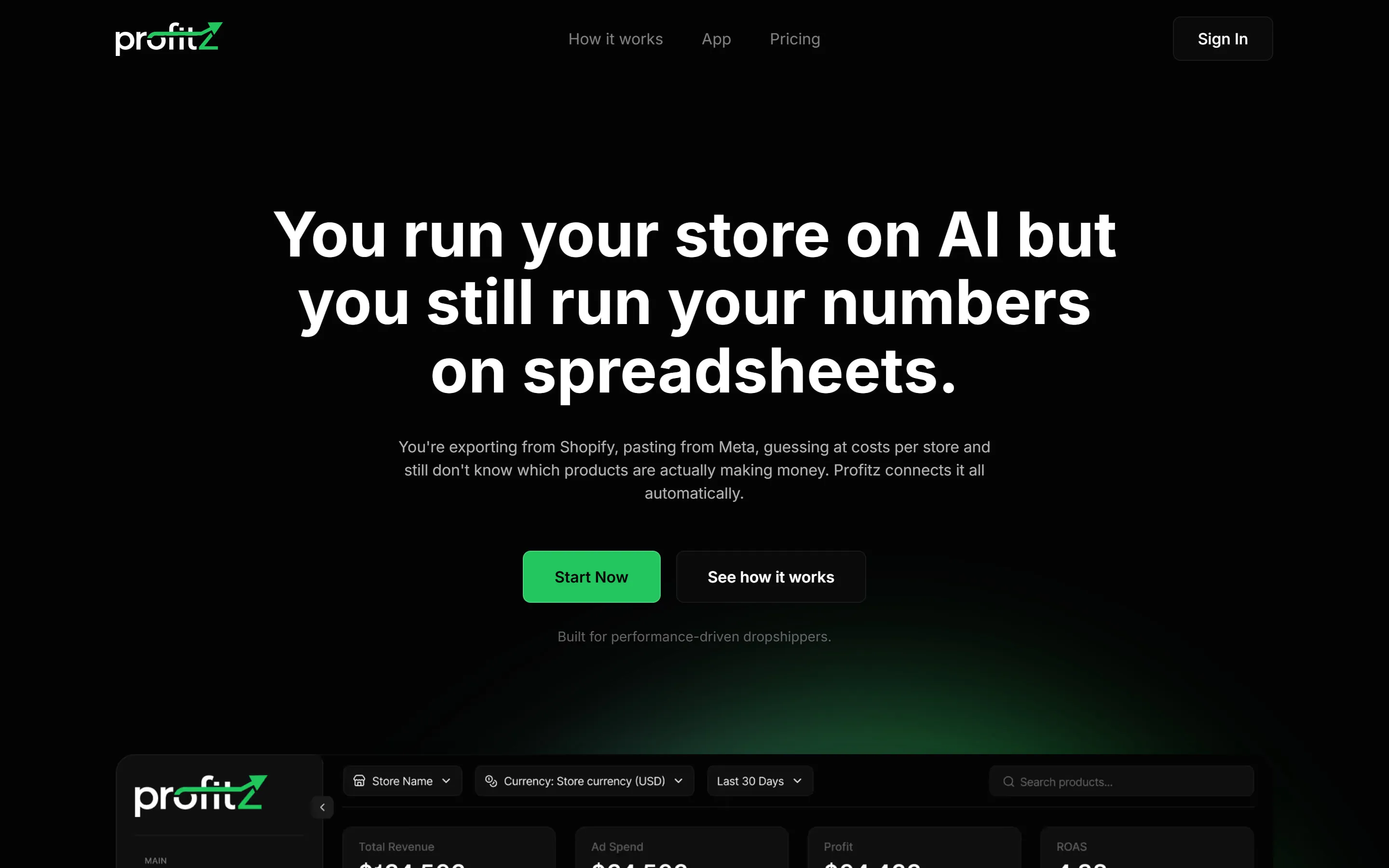
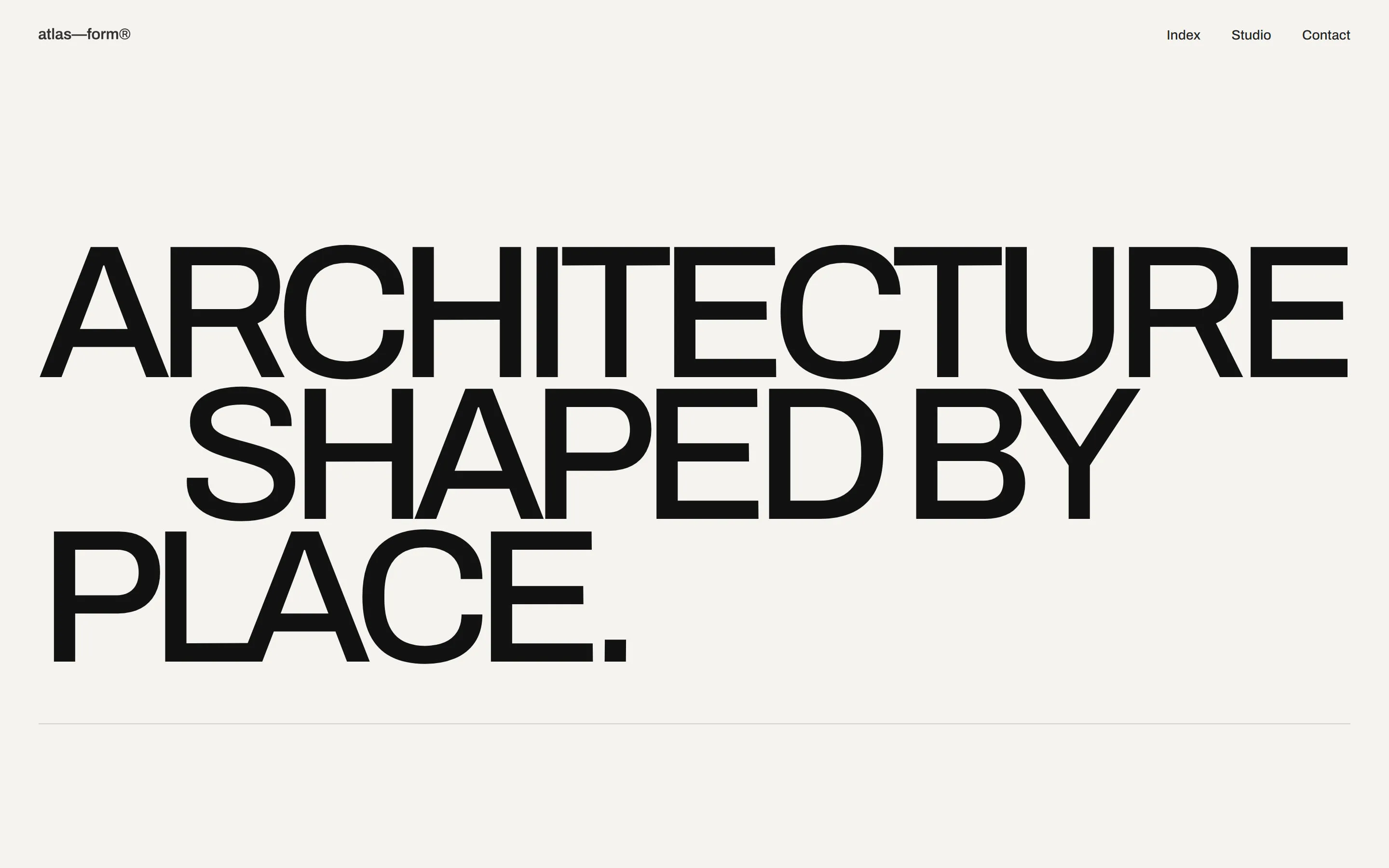
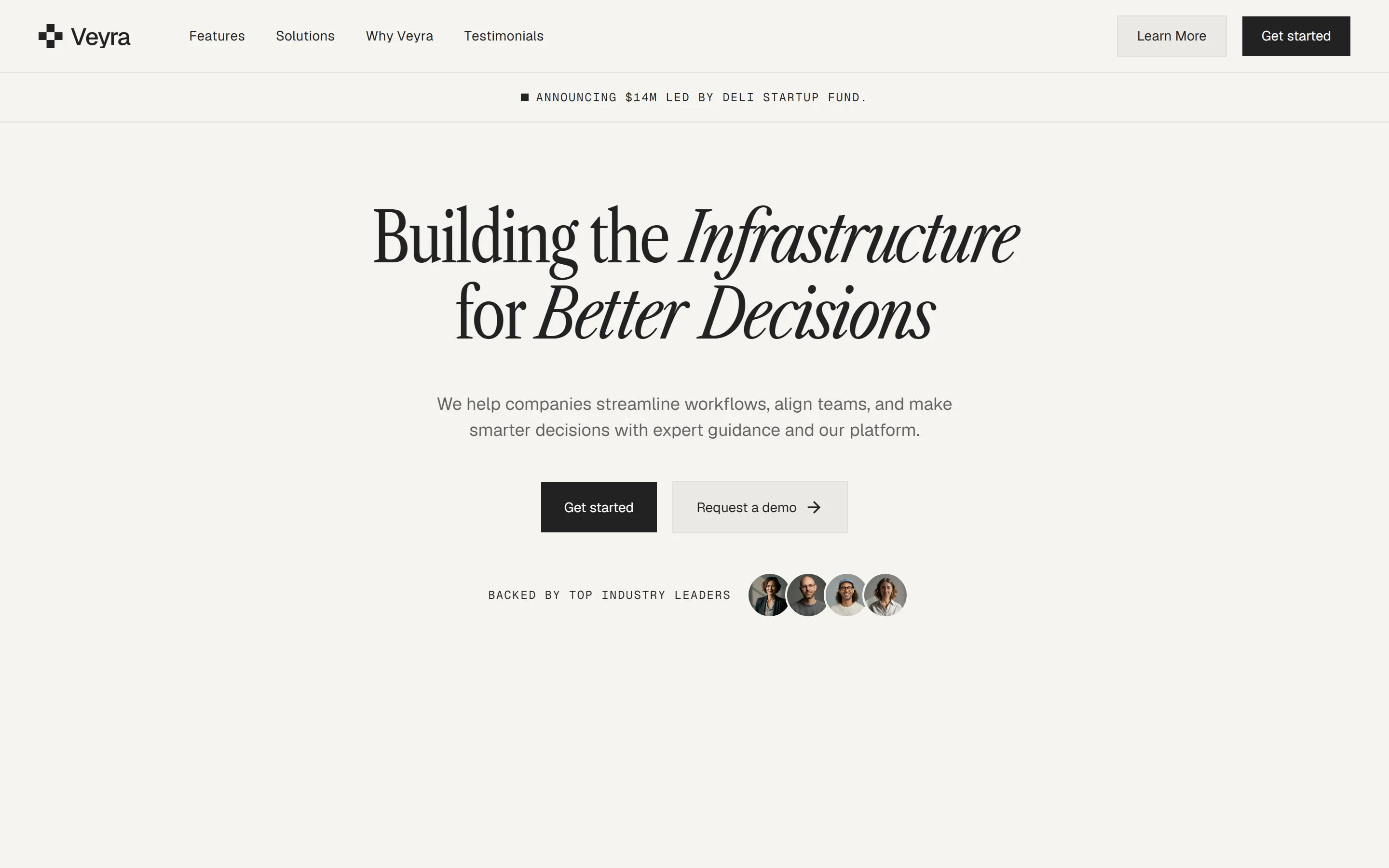
Profitz is client work, and the others are self-initiated concepts. Each one started as a Figma file and is now a live Webflow site you can test on any device.
Semiconductor company website · Client project
Morse Micro
SaaS landing page · Client project
Profitz
Studio website · Concept
Atlas—form
SaaS landing page · Concept
Veyra
Portfolio · Concept
Minimal Designer Portfolio

Process
How I turn Figma designs into Webflow sites
Six steps from file to launch, with the scope, price and launch date fixed before the build starts. Most projects take 7 to 21 days.
Design review and fixed scope
I go through every page, component and state in your Figma file, flag anything missing, and send a fixed quote and timeline.
Style guide and components
Global variables, type and a Client-First class system come first, then reusable navbars, buttons and footers.
Pixel-perfect pages
Every page rebuilt to match the design, with the same spacing, type and color as the Figma file.
Breakpoints and motion
Each breakpoint tuned for phones, tablets and desktops, then animation and micro-interactions layered on top.
SEO, AEO and speed
Metadata, headings, image weights, schema and Core Web Vitals tuned so the site loads fast and reads clearly to search engines and AI tools.
Testing, handoff and launch
Cross-browser and device QA, a walkthrough of the build, and a clean Webflow project that your team owns.
At a glance
The details, before you ask.
- Typical build
- 7 to 21 days
- Pricing
- Fixed quote after a free 15-minute call
- Payment
- 50% upfront, 50% before delivery
- Class system
- Client-First or Lumos
- Breakpoints
- Desktop, tablet and mobile, down to 320px
- Toolkit
- Figma, Webflow, GSAP, Finsweet Attributes, Relume
- After launch
- New pages, fixes and ongoing support
- Works
- Remotely, with teams worldwide
Kind words
What clients say
“Thanks for the help Rumit, you really did a great job. The work was clean, delivered on time, and exactly what we needed. Really happy with the outcome and would work with you again.”
AbelHermon.io “Rumit completed the requested Webflow updates with clear communication and a fast turnaround. He understood the brief immediately and executed it without any back and forth. I would highly recommend him to anyone looking for a reliable Webflow developer.”
IdanIdeate Creative Studio “Great service, delivered quickly! Rumit was easy to work with, responsive throughout the project, and the final result looked exactly as expected. Will definitely work with Rumit again!”
JaninaBlue Cheri Marketing
Guides
Planning a Figma to Webflow build.
What the conversion involves, what it costs and how to choose who builds it.
FAQ
Figma to Webflow questions, answered.
Have a file ready? Send a project brief, book a free intro call or email hello@rumitvaghasiya.com with your Figma link.
What is Figma to Webflow development?
Figma to Webflow development is rebuilding a finished Figma design as a working Webflow website. Each page, component and interaction is recreated in Webflow, made responsive for every screen size, connected to the CMS and set up for SEO. The result is a live site that matches the design and that your team can edit visually, without writing code.
What’s included in your Figma to Webflow service?
Every project includes a pixel-accurate build of each page, responsive layouts for desktop, tablet and mobile, a Client-First class system, CMS collections where you need them, interactions and animation, and on-page SEO: titles, meta descriptions, alt text and schema markup. You also get a style guide page and a walkthrough of the build at handoff.
How long does a Figma to Webflow build take?
Most builds take 7 to 21 days. A single landing page usually ships in about a week, while a multi-page site with CMS collections and custom animation takes two to three weeks. You get a fixed delivery date with your quote, before the build starts, so you can plan your launch around it.
How much does Figma to Webflow development cost?
Every project gets a fixed quote after a free 15-minute call. The price depends on the number of pages, CMS needs and animation, not on hours, so it won’t grow halfway through. Payment is 50% upfront and 50% before delivery. Webflow’s site plan and hosting are billed separately by Webflow.
What if my Figma file has no tablet or mobile designs?
That’s common, and it doesn’t hold the build up. During the design review I flag every missing breakpoint, hover state and empty state, and we agree how each one should work before I start. Usually that means adapting your existing styles to smaller screens rather than designing anything new.
Can you build complex designs with CMS and animation?
Yes. I build everything from single landing pages to multi-page sites with CMS collections for blogs, case studies and directories. That includes GSAP animation, Finsweet Attributes for filtering and sorting, and custom code where Webflow needs it, all kept light enough to pass Core Web Vitals.
Do you work with agencies as a white-label Webflow developer?
Yes. Design, branding and creative studios hire me as a white-label Webflow developer. I work inside your process and tools, follow your naming conventions and deliver under your brand. Your client deals only with your team, and you keep full ownership of the relationship.
Do you build with Client-First or Lumos?
Client-First by Finsweet is my default, because any Webflow developer can pick it up later. If your team already works in Lumos, I build in Lumos instead. Either way you get consistent class naming, global variables for color, type and spacing, a style guide page and reusable components.
Do you offer support after launch?
Yes. After launch I can take on new pages, content updates, fixes and improvements, either one task at a time or as ongoing support. You keep full access to your Webflow project throughout, so nothing is ever locked behind me.